
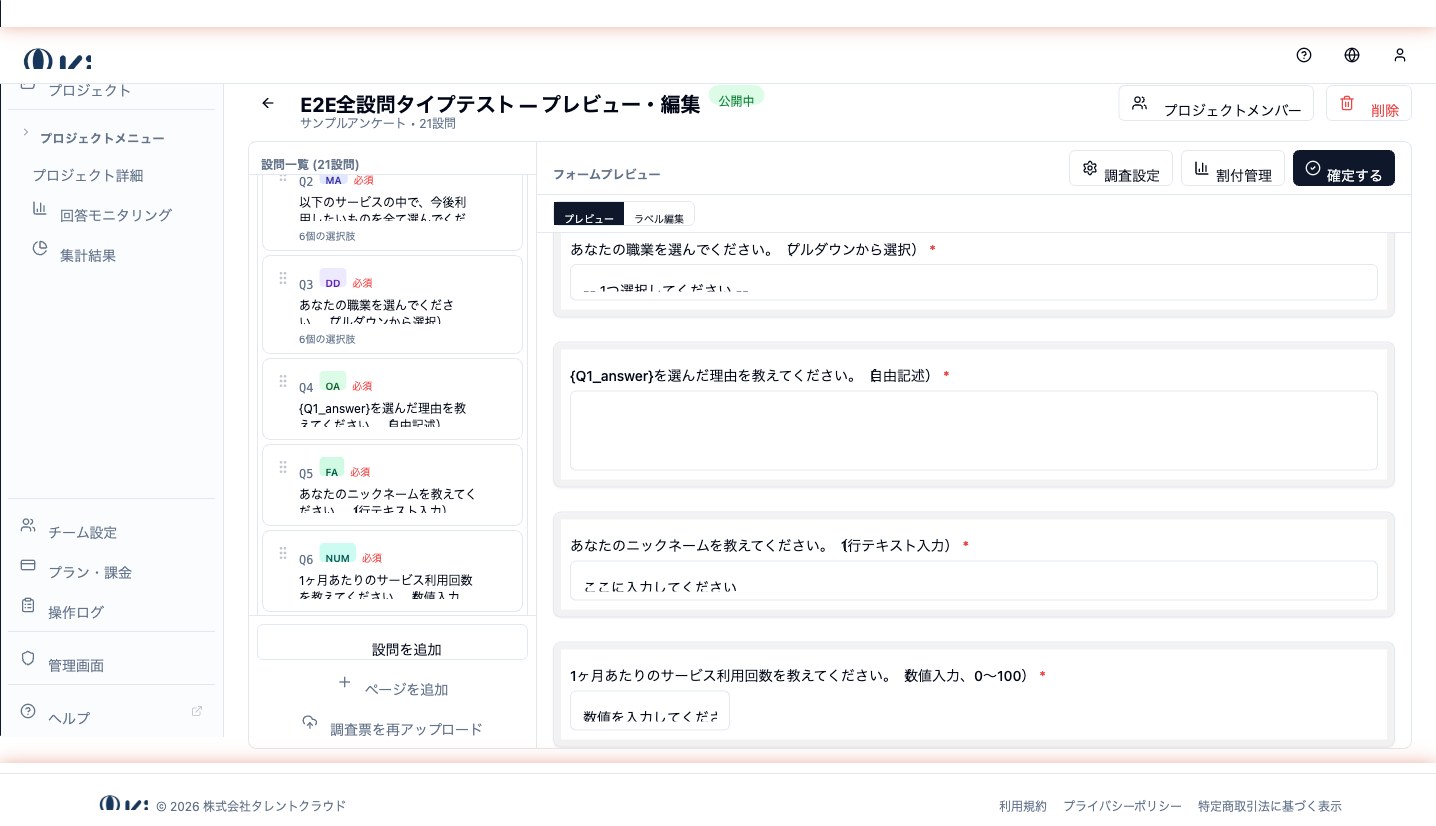
Dropdown (DD)
A single-answer question type displayed as a dropdown menu — ideal when the choice list is long.
DD (Dropdown) is a question type where the respondent picks a single value from a dropdown menu. Functionally identical to SA (single answer), but used when the choice list is long enough that radio buttons would dominate the screen.
When to use it
Use a dropdown when the number of choices is 10 or more, and radio buttons would be visually overwhelming.
- Prefecture / state (47 prefectures in Japan)
- Age (one-year increments)
- Country
- Industry / occupation
- University or company name from a master list
Configuration
- Choice list — supports bulk entry (newline-separated paste or file upload)
- Placeholder — the default "Please select" text identifies unanswered state
- Required / optional
SA vs DD
| Number of choices | Recommended type |
|---|---|
| 2–9 | SA (radio buttons) |
| 10+ | DD (dropdown) |
Too few choices in a dropdown increases clicks unnecessarily; too many radio buttons eat screen space and drive drop-off.
Example
Q. Which prefecture do you live in?
[ Please select ▼ ]
Related question types
- Single Answer (SA) — for a short list rendered as radio buttons
- Multiple Answer (MA) — for selecting more than one option